Premium feature ✨:This feature is only available to users with a premium license. Please contact us to get access to Lago Cloud and Lago Self-Hosted Premium.
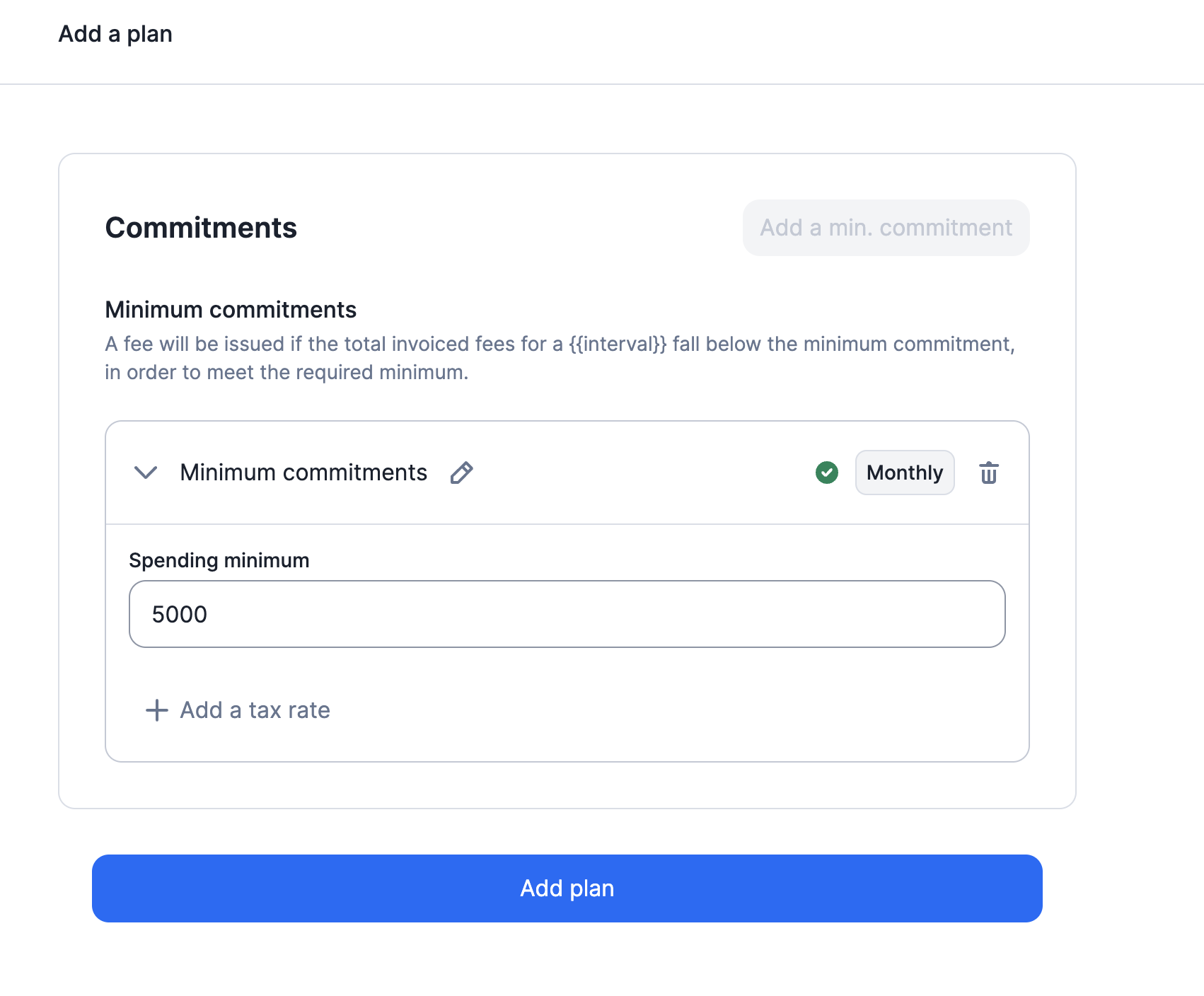
A plan can define a spending commitment, which sets a financial baseline for
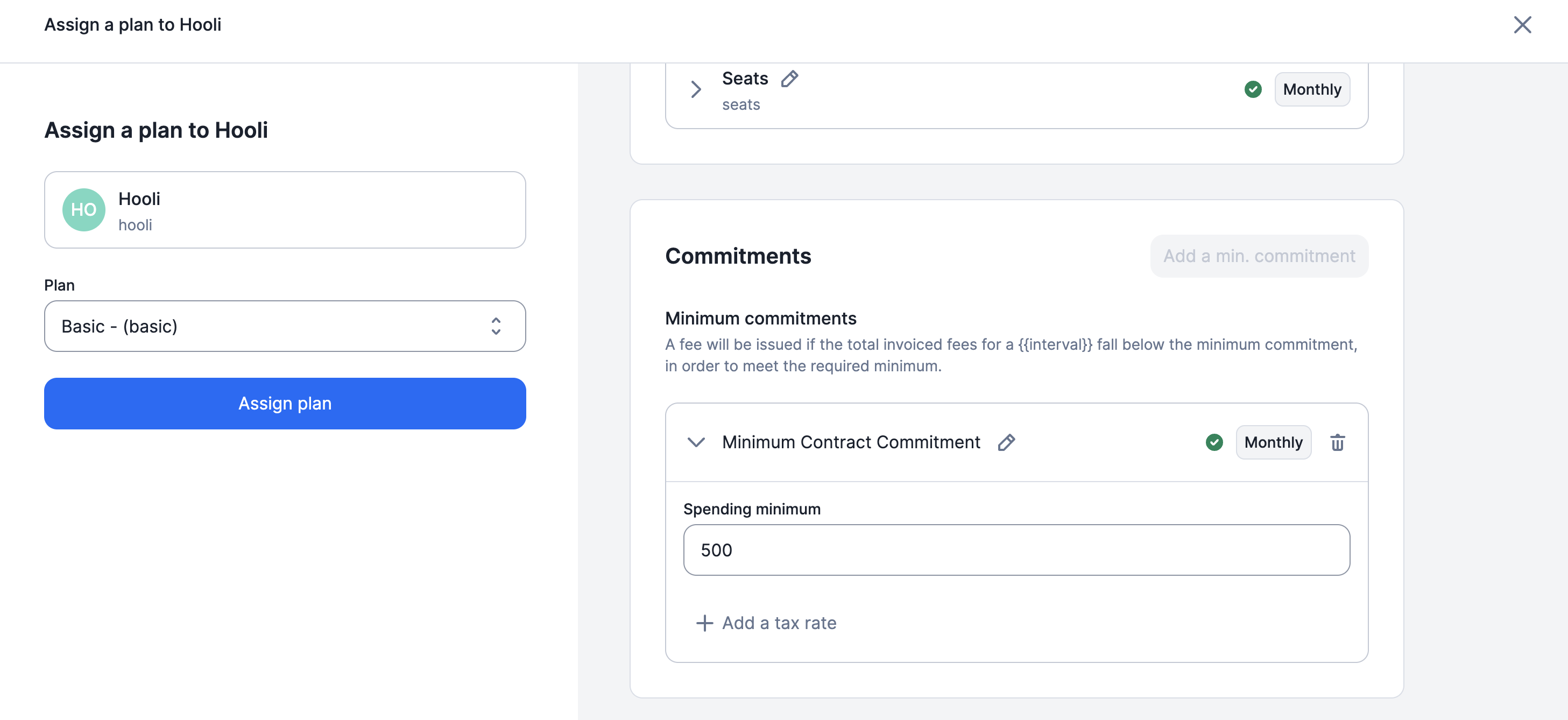
the services you offer. You can also override that commitment per customer when
you create a subscription.
Besides spending minimums per charge,
you can define minimum invoice totals. A minimum commitment makes a customer
meet a minimum spend per billing period. It applies to the total spending in the
billing period, including, if applicable, the subscription fee and all
usage-based fees.
Commitment interval: The minimum commitment is aligned with the billing interval of the plan. For instance, if the plan is billed monthly, the minimum commitment is also established on a monthly basis;
Customizable commitments: When assigning a plan to a customer, you have the option to override the default commitment. This allows for customized minimum commitments per customer, accommodating negotiated contract terms; and
Arrears calculation: The commitment is calculated in arrears, meaning Lago waits until the end of the billing period to assess whether users have met their minimum spending commitment. This approach ensures accurate billing based on actual usage.
If the total spending falls below the minimum commitment at the end of the billing period, Lago will apply a true-up fee to adjust the invoice and meet the minimum spending requirement.
Conversely, if spending exceeds the minimum commitment, Lago will generate an invoice for the actual consumption, without issuing a true-up fee.
The minimum commitment is calculated based on the pre-tax amount and before any discounts (such as coupons or credits) are applied.