PREMIUM ADD-ONThis revenue-share feature is available upon request only. Please contact us to get access to this premium feature.
If you’re selling your product or service through a partner, model this revenue-share in Lago. Mark your customer as a partner, and Lago generates all their invoices as self-billed invoices. Self-billing is a billing arrangement where the customer creates and issues the invoice on behalf of the supplier for goods or services received. Ensure an agreement is in place with your partner so these invoices can be issued on their behalf.

Create a partner

To generate self-billed invoices, create your first partner by following these steps:
  1. Go to the Customers navigation tab.
  2. Click on Create a Customer.
  3. Enable the Partner option by toggling it on.
  4. Fill in the customer’s billing information. It is used to generate invoices.
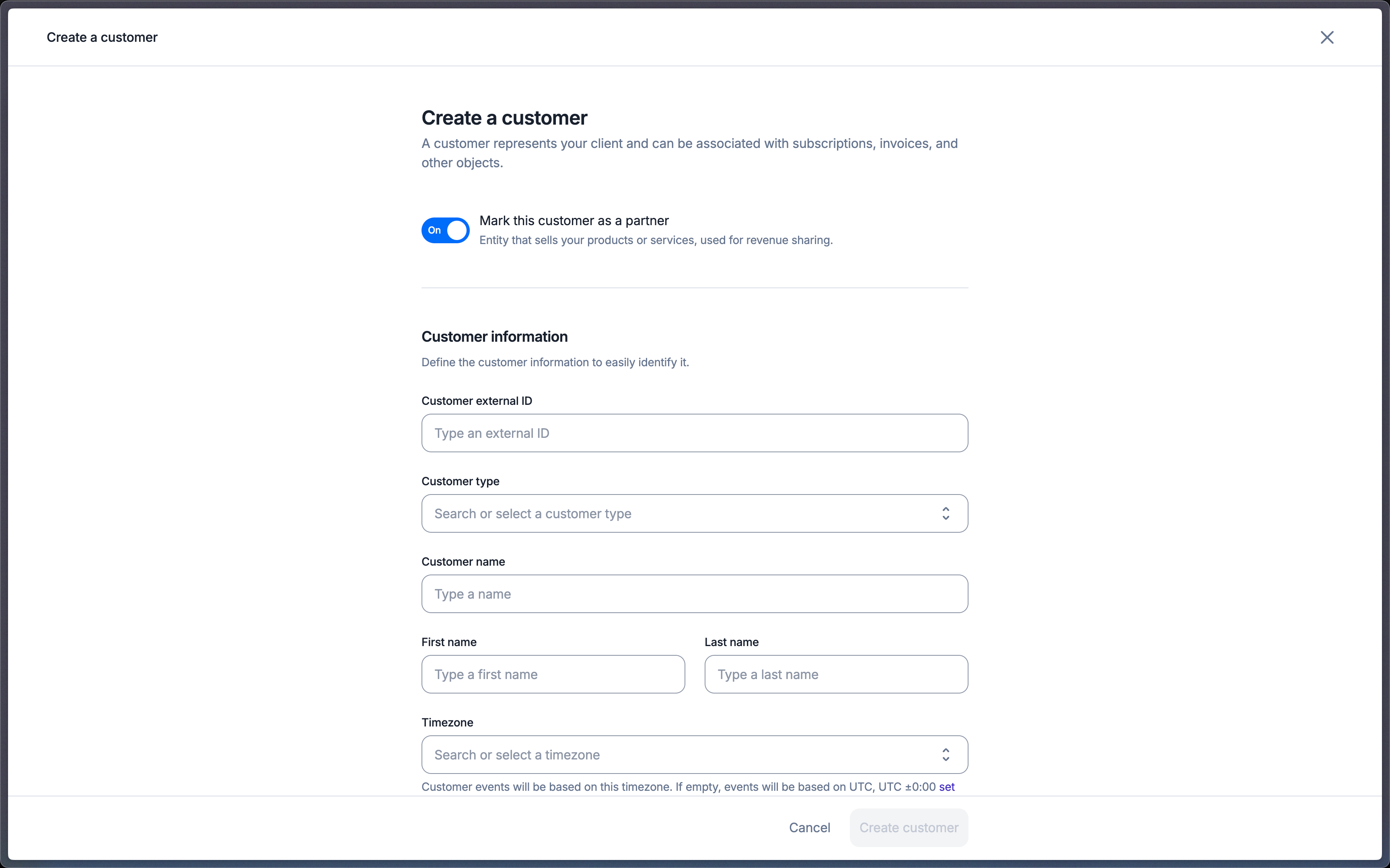
Mark a customer as a partner in the creation form

Generate invoices

To simplify your payment process, Lago generates invoices on behalf of partners. Every invoice generated for a partner is marked as self-billed, so it does not appear in revenue analytics in Lago. The PDF explicitly mentions Self-billing Invoice and ignores your custom footer. It also carries a notice stating that the invoice was generated on behalf of the partner with their consent. These invoices follow a numbering system tied to the customer. Whether your organization’s invoice numbering is scoped per organization or per customer, partner invoices always use the partner invoice numbering.