Subscriptions in the incomplete state are held by an activation rule. They cancel on their own if the rule fails or its timeout is reached, and you can also cancel them on demand.
Dashboard
API
To terminate an active subscription through the user interface:
Access the “Customers” section via the side menu;
Select a customer from the list;
In the “Overview” tab, select an active subscription; and
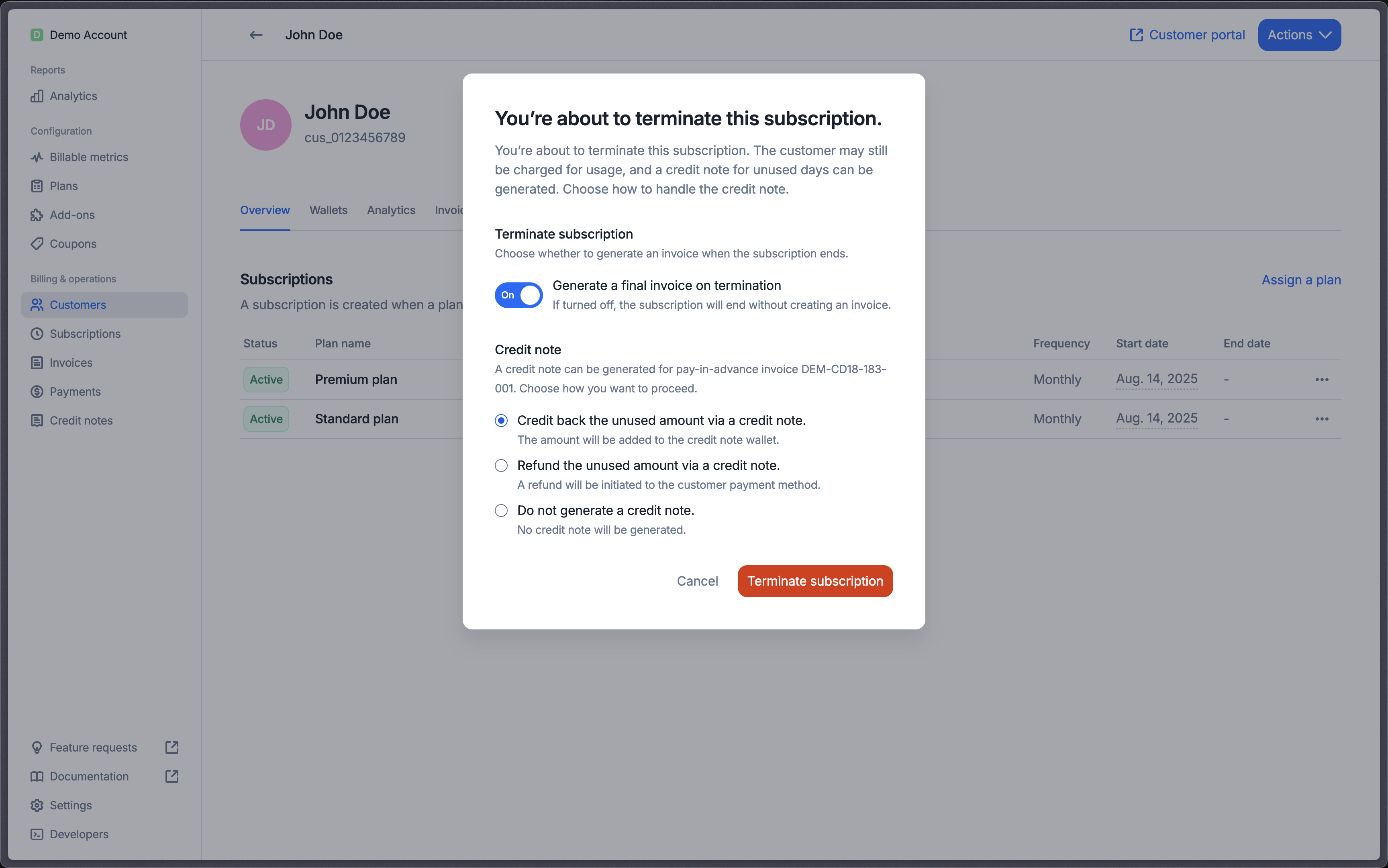
Generate a closing invoice at subscription termination
By default, Lago automatically generates a closing invoice for any outstanding usage-based charges or pay-in-arrears subscription fees that haven’t yet been invoiced.
If you don’t want to generate an invoice at termination:
Dashboard
API
In the Termination dialog, simply switch off the Generate final invoice option.
To ensure the termination of a pending subscription, it is crucial to include the ?status=pending filter in your endpoint.
Neglecting to do so will render any termination attempts ineffective.
A subscription held incomplete by a payment activation rule (waiting for its first payment) can be canceled on demand, instead of waiting for the rule’s timeout. This is useful when the payment clearly won’t complete, for example when the customer abandons a 3D Secure challenge and you want to let them start over.
Dashboard
API
To cancel an incomplete subscription through the user interface:
Access the “Customers” section via the side menu;
Select a customer from the list;
In the “Overview” tab, select the incomplete subscription; and
The subscription becomes canceled with cancellation_reason: manual. Its draft invoice is closed (nothing is billed), and any applied coupons, credit notes and wallet credits are recredited. Any pending payment is canceled with the payment provider on a best-effort basis — some payment statuses can’t be canceled, so a payment may still succeed later as a late payment. Termination options (on_termination_credit_note, on_termination_invoice) are ignored, since an incomplete subscription has never been billed.
Include the ?status=incomplete filter. Without it the endpoint targets the active subscription for that external_id and returns a not-found error for an incomplete one.