

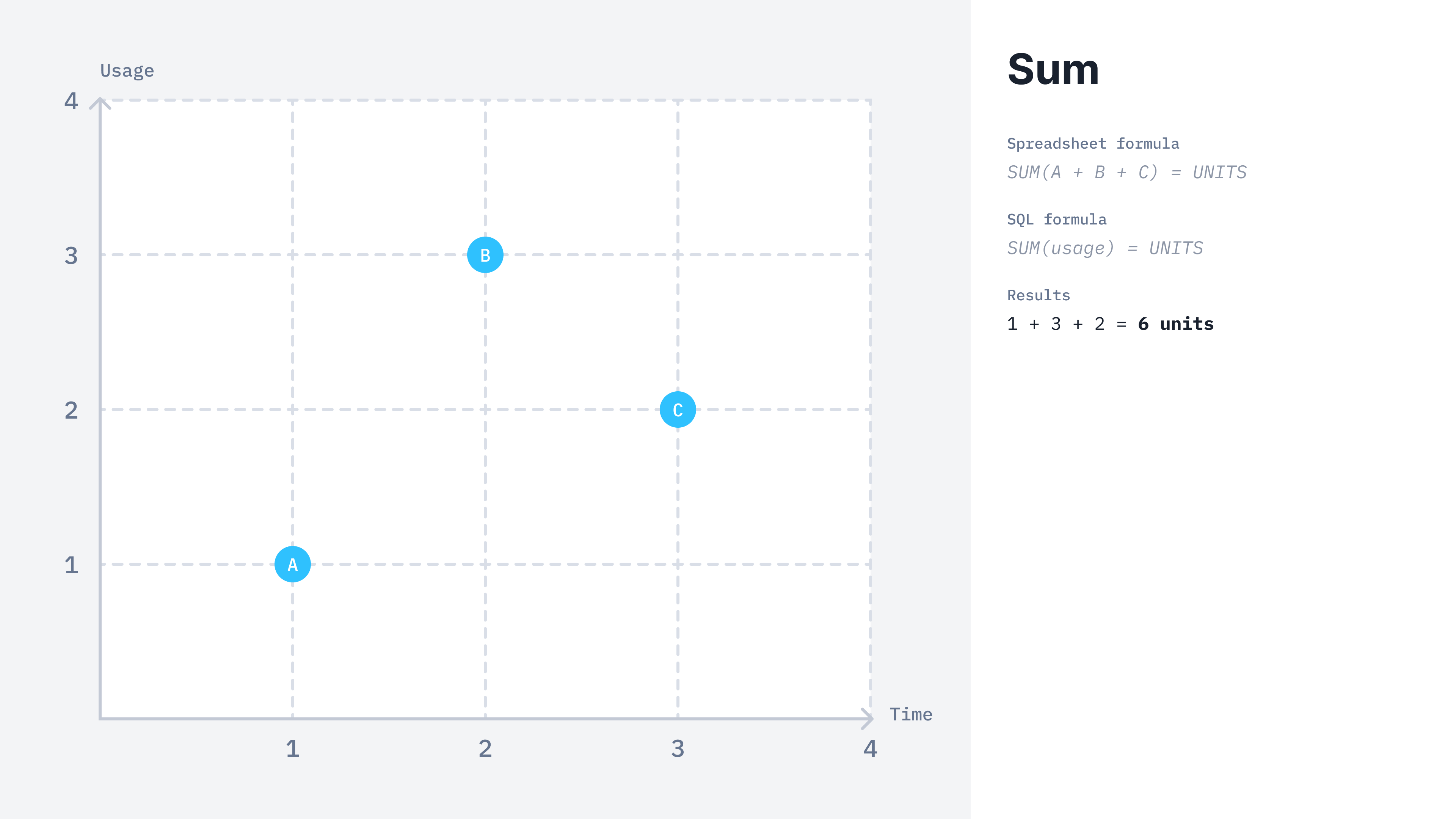
Sum calculation method
Sum billable metric
- Dashboard
- API
Here is how you can create a Sum aggregation from the UI:
- Access the “Billable metrics” section via the side menu;
- Create a new billable metric;
- Define a name, a code and an optional description;
- Select “Sum” as the aggregation type;
- Set the type to “Metered” or “Recurring”;
- Define the property to aggregate;
- Apply filters if any; and
- Click “Add billable metric”.
This billable metric can be either “Metered” or “Recurring”.
Calculation example
Lago calculates theSUM(events.properties.property_name) for the two following events received.
total_requests property in the event payloads, resulting in a billable value of 30 units.
On the ClickHouse-based event pipeline, a single numeric property value must stay below approximately 1.70 × 10¹² (1,701,411,834,604). The summed value over a billing period is not capped. See the limit described under properties.